Finally, a Power Button That Goes Where You Need It
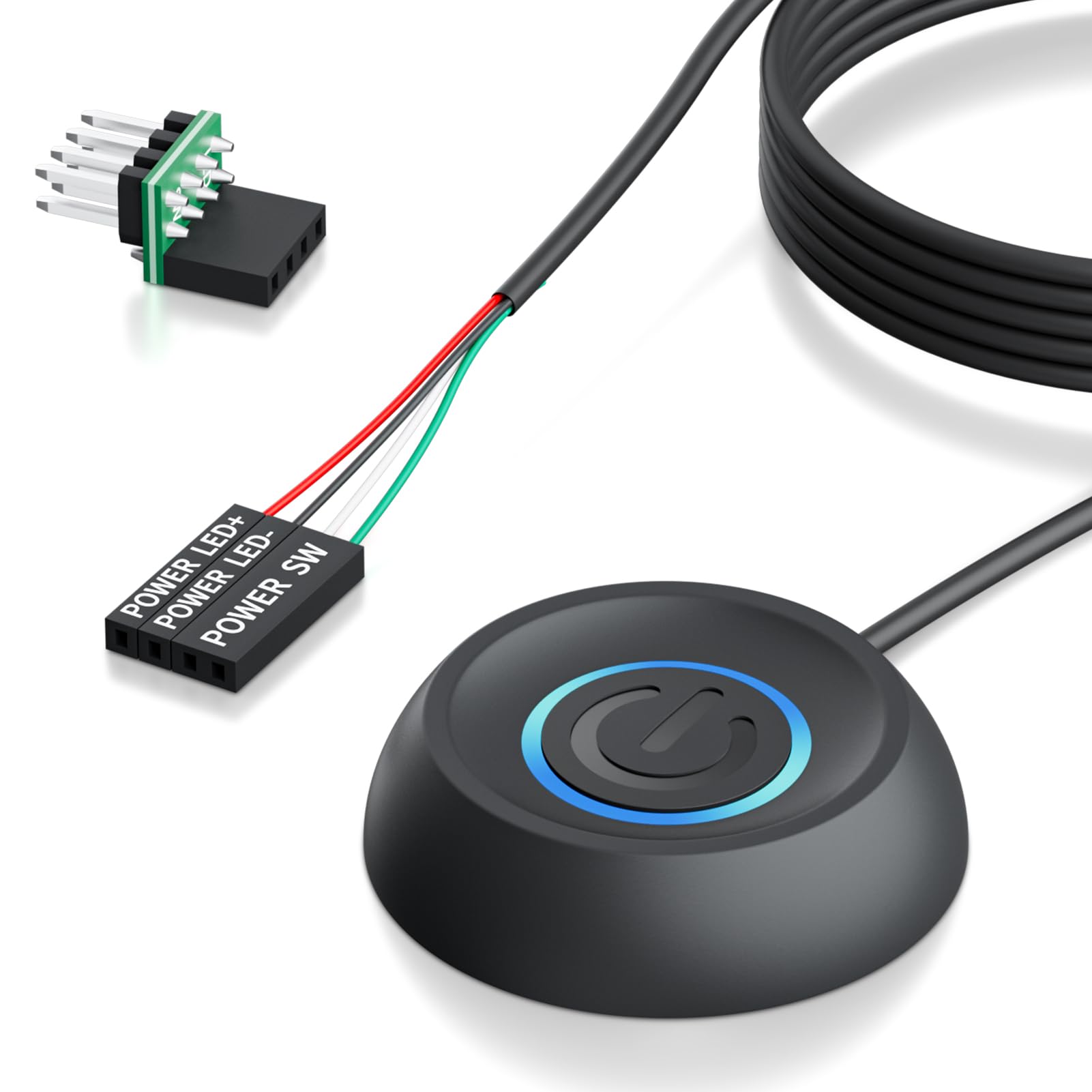
If you've ever tucked your desktop PC under a desk, mounted it in a rack, or used a test bench for motherboard debugging, you know the frustration of reaching behind furniture just to turn the thing on. The LHKLUK PC Power Button with 118" Cable solves that problem elegantly. With nearly 10 feet of reach, a simple adhesive mount, and plug-and-play compatibility with standard motherboard front-panel headers, this little accessory is a surprisingly smart upgrade for home users, IT pros, and PC builders alike.
Rated 4.7 out of 5 stars from 64 verified buyers, this external power switch has quietly become a favorite for anyone tired of awkward case placements. Let's dive into what makes it worth your attention.
Technical Specifications
| Specification | Details |
|---|---|
| Brand | LHKLUK |
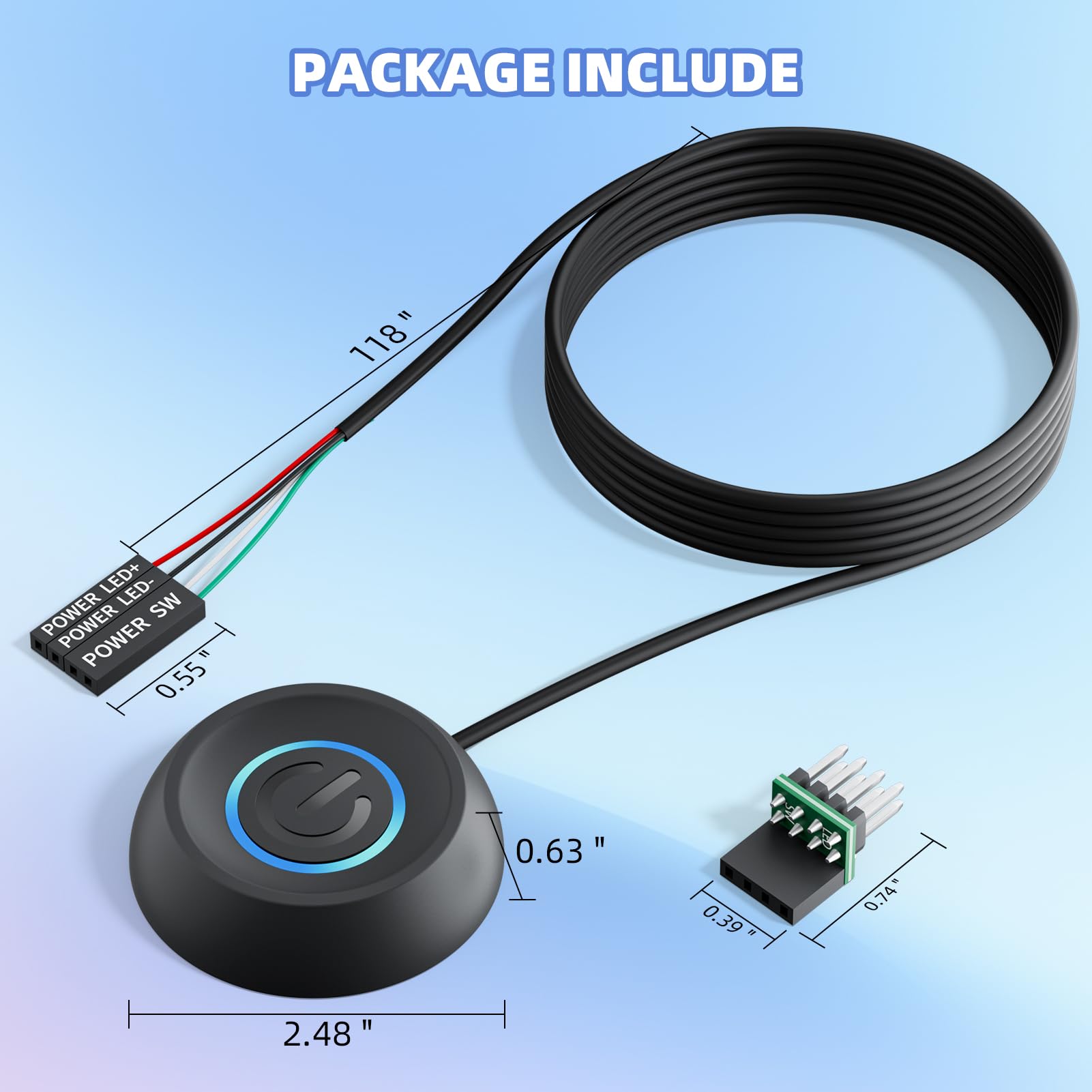
| Cable Length | 118 inches (~3 meters / ~10 feet) |
| Cable Gauge | 16AWG Copper |
| Connector Type | 4-pin HDD+ / POWER SW |
| Button Housing Size | 0.8" × 0.8" × 1" ABS Case |
| Motherboard Compatibility | Standard 9-pin JFP1 / F_PANEL header |
| LED Indicator | Yes |
| Mount Type | Adhesive (included) |
| Color | Black |
| Rating | 4.7/5 ⭐ (64 Reviews) |
How It Works
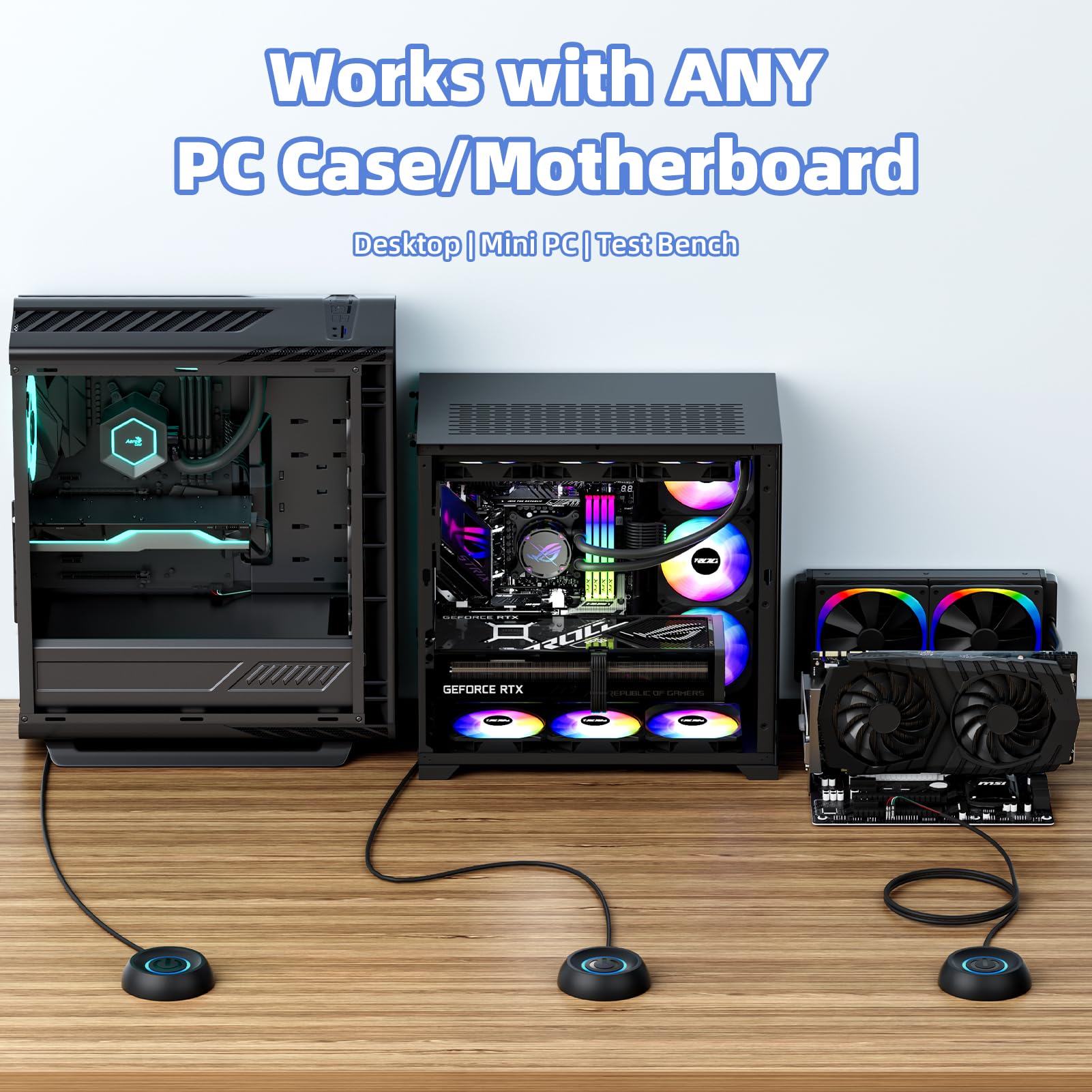
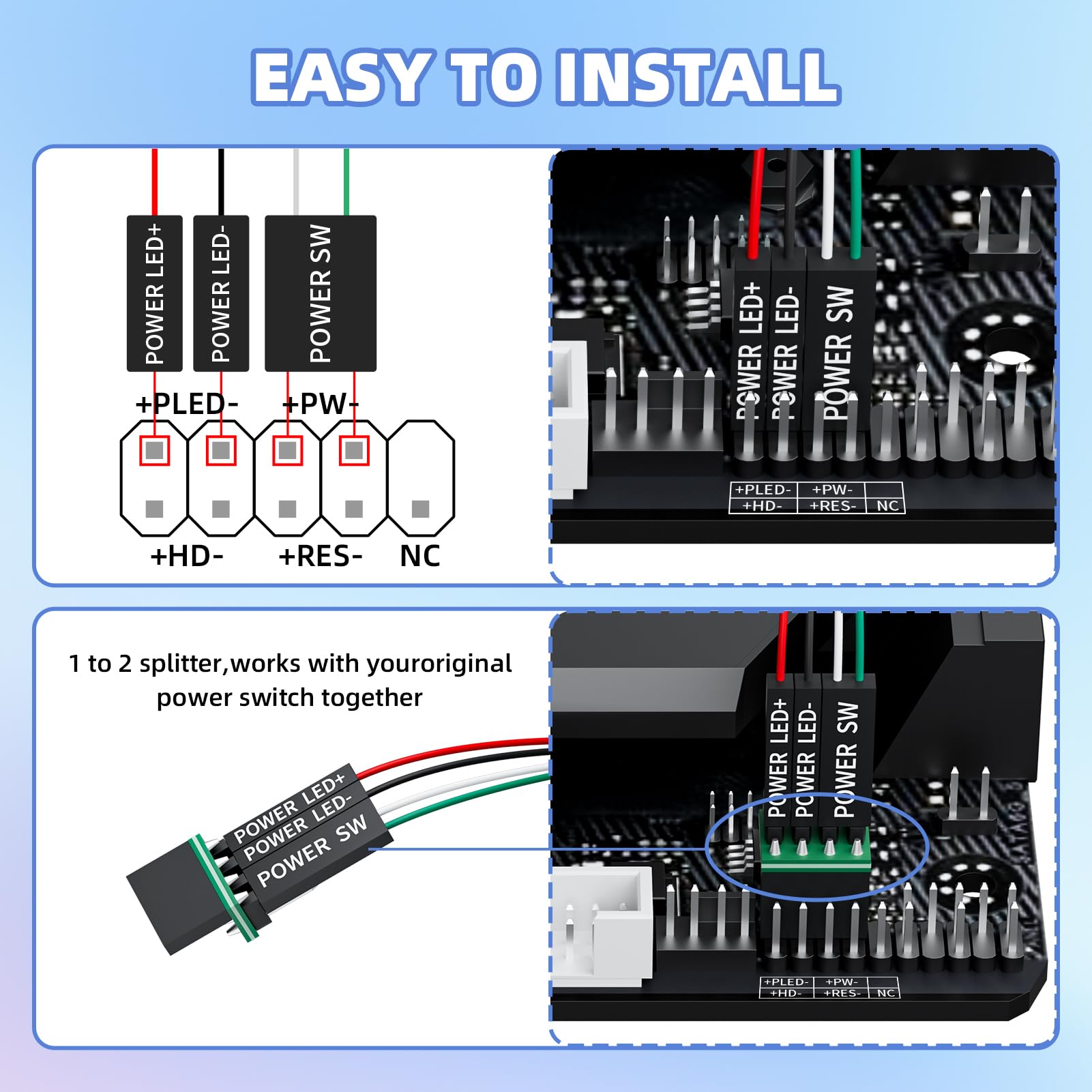
The LHKLUK power button works as a splitter/extension for your motherboard's front panel header — specifically the JFP1 or F_PANEL 9-pin block found on virtually every ATX and Micro-ATX board. You plug the splitter in between the motherboard and your case's existing power switch, then run the 118-inch cable wherever you need it. Your original case button still works normally — this simply adds a remote option.
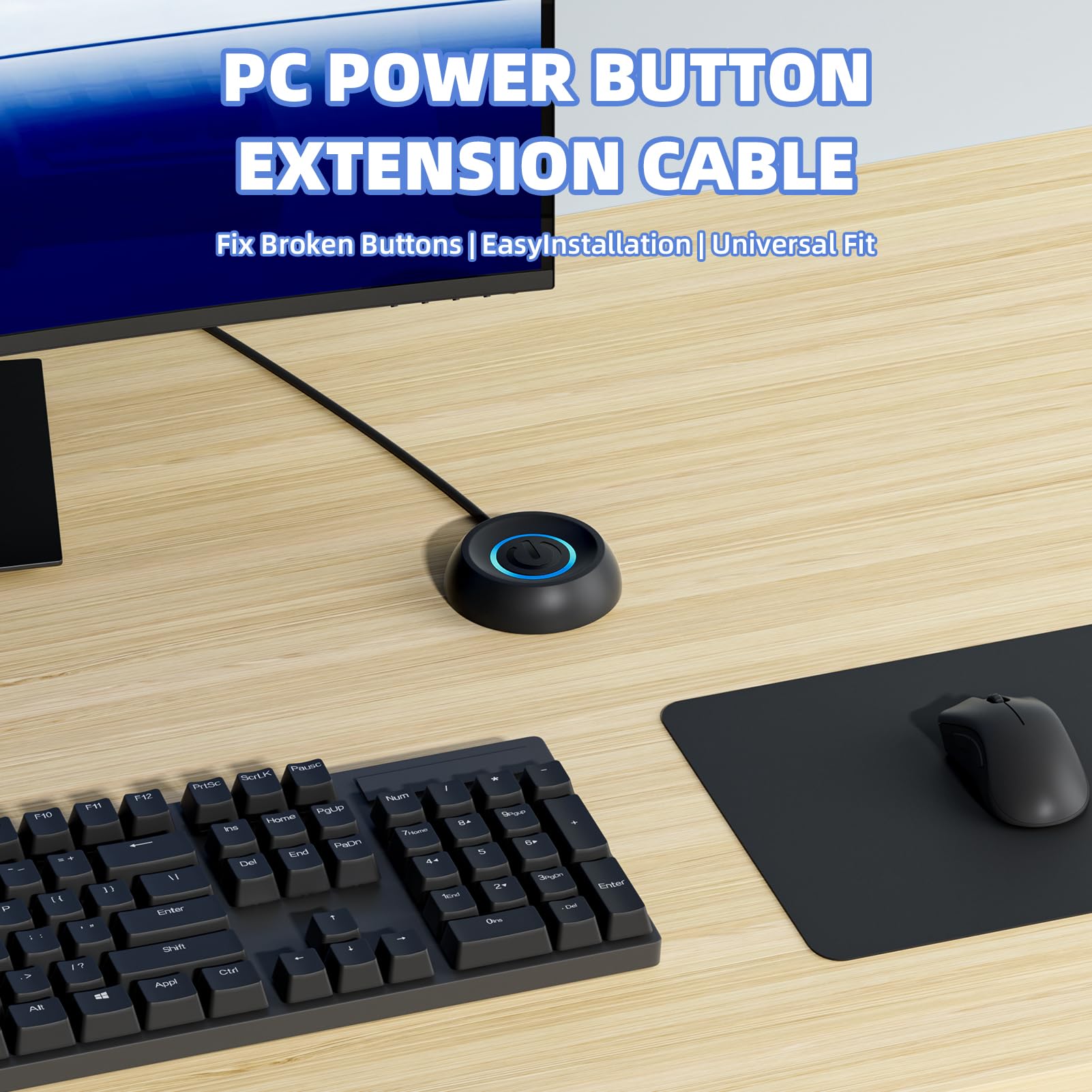
The adhesive pad on the back of the button housing lets you stick it to the side of a desk, a shelf edge, a server rack door, or basically any flat surface. It's compact at just under an inch square, so it won't look out of place on a clean desk setup. The built-in LED indicator glows when the PC is on, so you always know the system status without looking at the tower itself.
Key Use Cases
This product shines in a handful of very specific scenarios that come up more often than you'd expect:
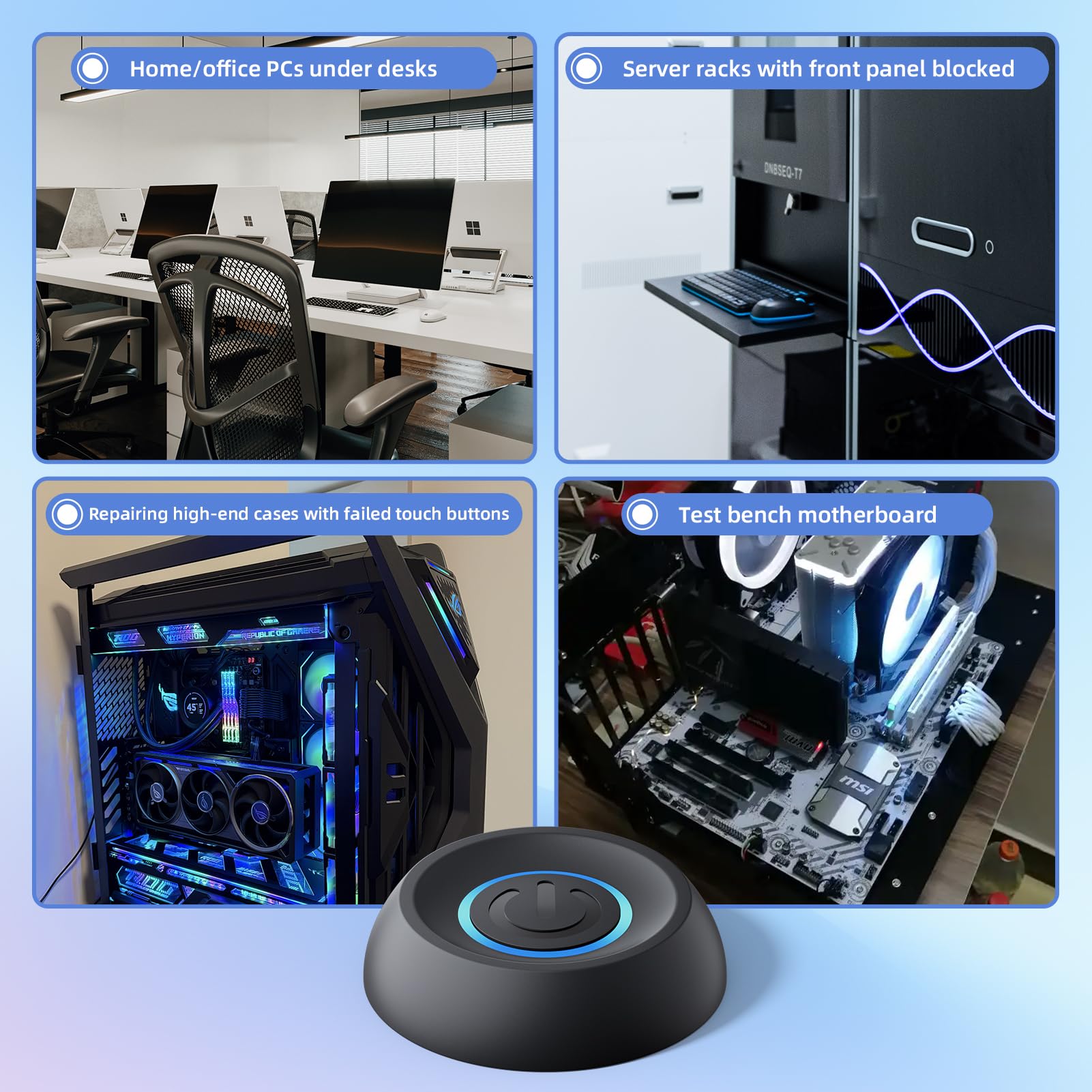
- Under-desk PC builds: When your tower is hidden away but you want easy access to the power button without crawling under furniture.
- Server racks: Rear-mounted or enclosed rack cases where the front panel is blocked or inaccessible during normal operation.
- Damaged case buttons: High-end cases with capacitive or touch-based power buttons that have failed — this gives you a reliable mechanical replacement.
- Test bench debugging: Motherboard technicians and PC builders who frequently need to power cycle bare boards without attaching them to a full case.
Build Quality & Cable
The 16AWG copper wire used here is notably thicker than the cheap ribbon-style cables you might expect at this price point. It's flexible enough to route around corners and through cable management channels but sturdy enough not to feel flimsy. The ABS button housing is smooth and responsive — the click is firm and tactile, which is exactly what you want for a button you might use multiple times a day.
At 118 inches, the cable is longer than most people will ever need — which is actually a good thing. You can easily route it through a desk grommet, across a room divider, or behind a rack without running short. Any excess can be coiled and tucked away with a velcro cable tie.
Installation: Simple and Reversible
No tools required. Plug the splitter into the motherboard header, connect your original case wires to the splitter's pass-through pins, stick the button where you want it, and you're done. The whole process takes under five minutes. Removing it is just as easy — peel the adhesive pad and unplug the connector. It's fully reversible with no permanent modification to your PC.
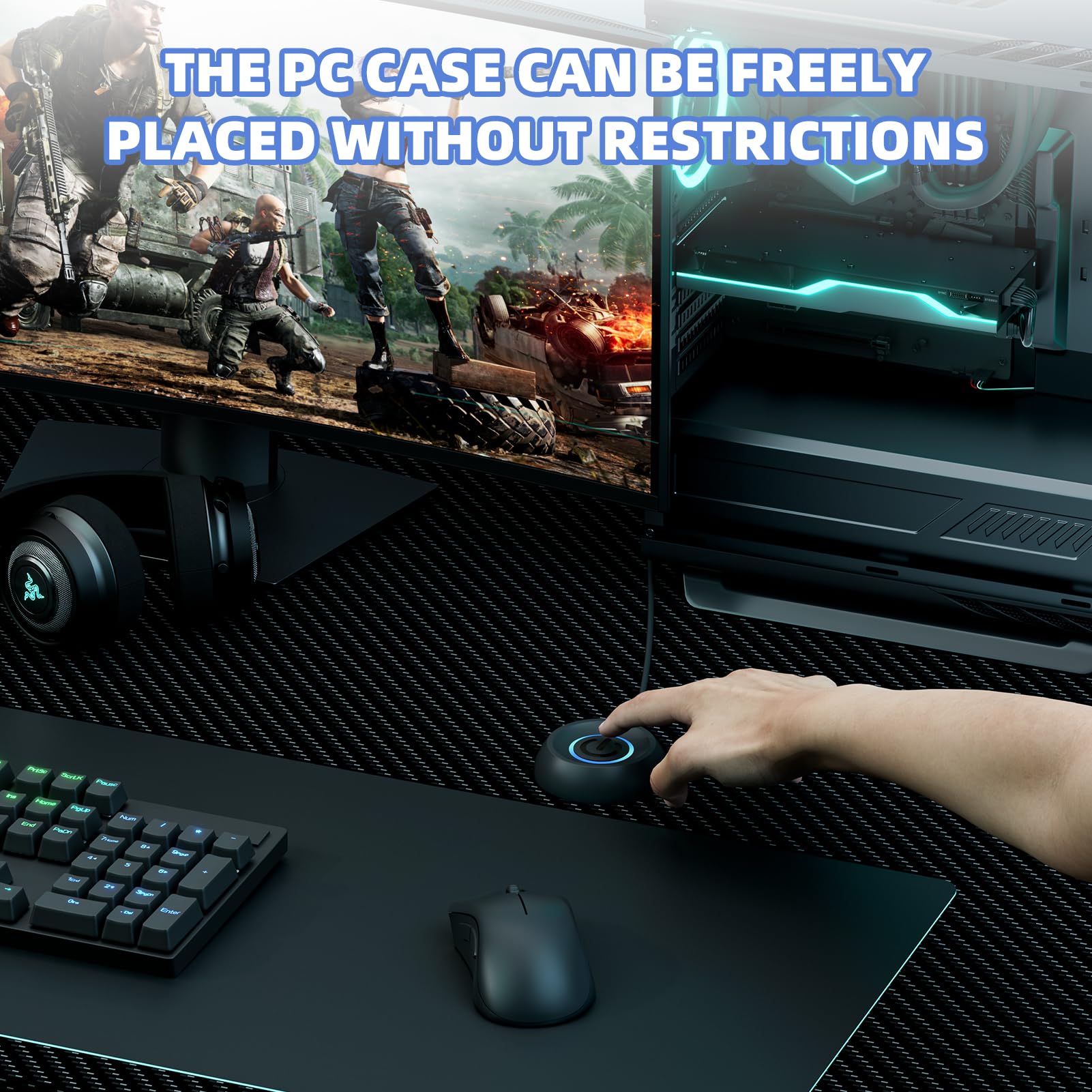
Photo Gallery
Pros & Cons
✅ Pros
- Extremely long 118" cable gives huge flexibility
- Works with virtually every standard ATX motherboard
- Original case button still fully functional
- Built-in LED power indicator
- No tools or software needed — plug and play
- Solid 16AWG copper cable quality
- Highly rated — 4.7 stars from real buyers
❌ Cons
- Adhesive may not hold on rough or textured surfaces
- Not compatible with proprietary front-panel headers (some OEM PCs)
- Black-only color option (may not match all setups)
- Price not listed — check Amazon for current pricing
Who Should Buy This?
The LHKLUK PC Power Button is ideal for anyone who has placed their desktop PC somewhere inconvenient. If your tower lives under a standing desk, inside a cabinet, behind a monitor arm, or in a server rack, this accessory pays for itself in saved frustration within the first week. It's also a great pick for PC repair shops and hobbyists who frequently test bare motherboards without a case.
It's probably overkill if your tower is sitting right next to your monitor at arm's reach — but for everyone else dealing with hard-to-reach builds, this is one of those small accessories that makes a surprisingly big difference to your daily workflow.
Final Verdict
The LHKLUK PC Power Button with 118" Cable earns its strong customer rating. It's a niche product, but it solves its target problem perfectly — reliable, simple to install, reversible, and long enough to reach virtually any placement. The quality of the copper cable and solid ABS housing shows this isn't a throwaway accessory. If your PC is out of easy reach, this is exactly what you need.
⚠️ Price was not available at time of writing. Please check Amazon for the latest pricing and availability before purchasing.